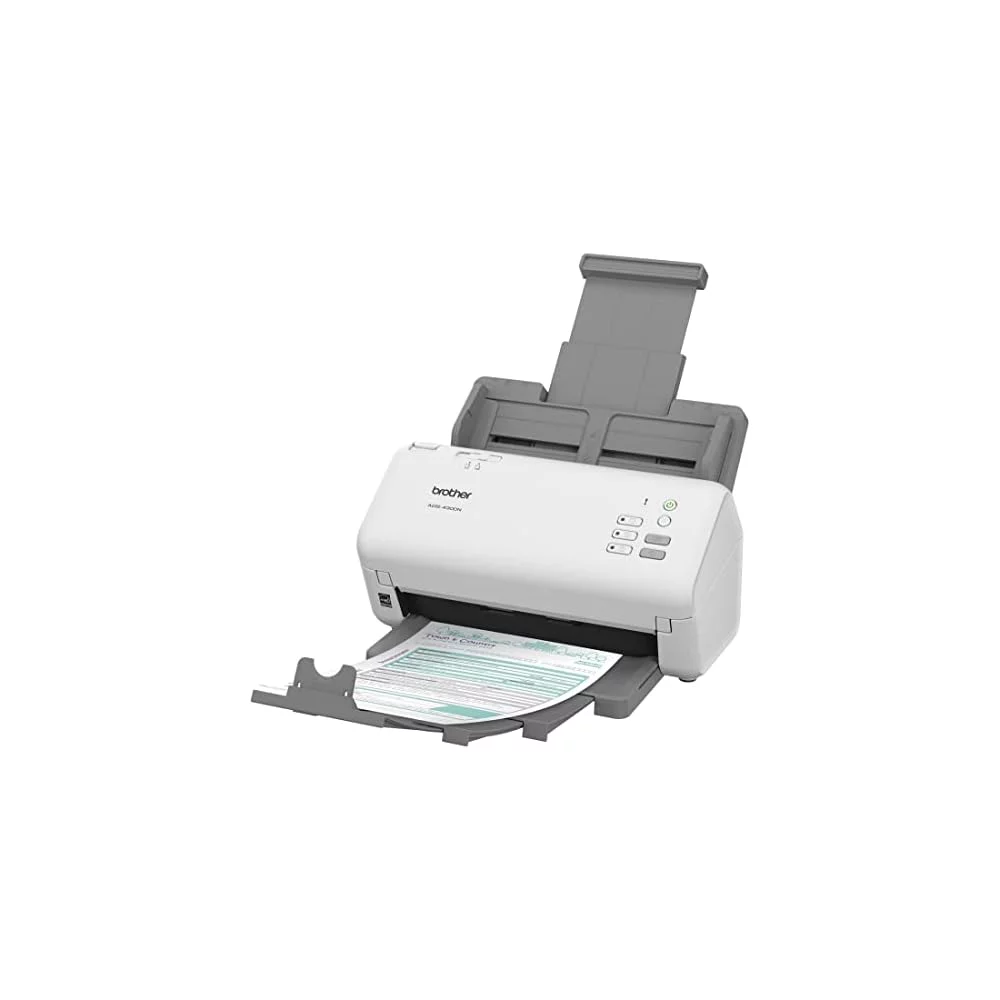
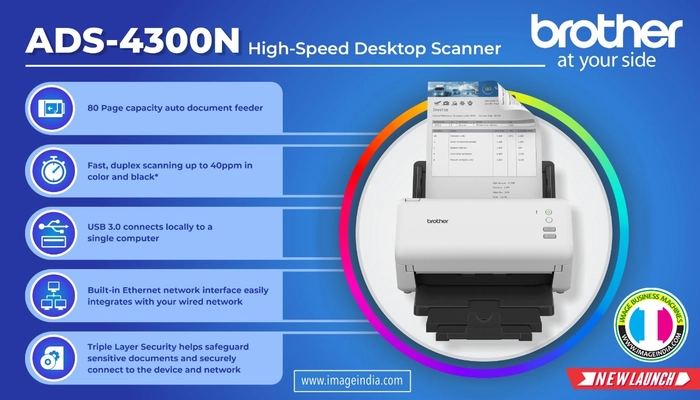
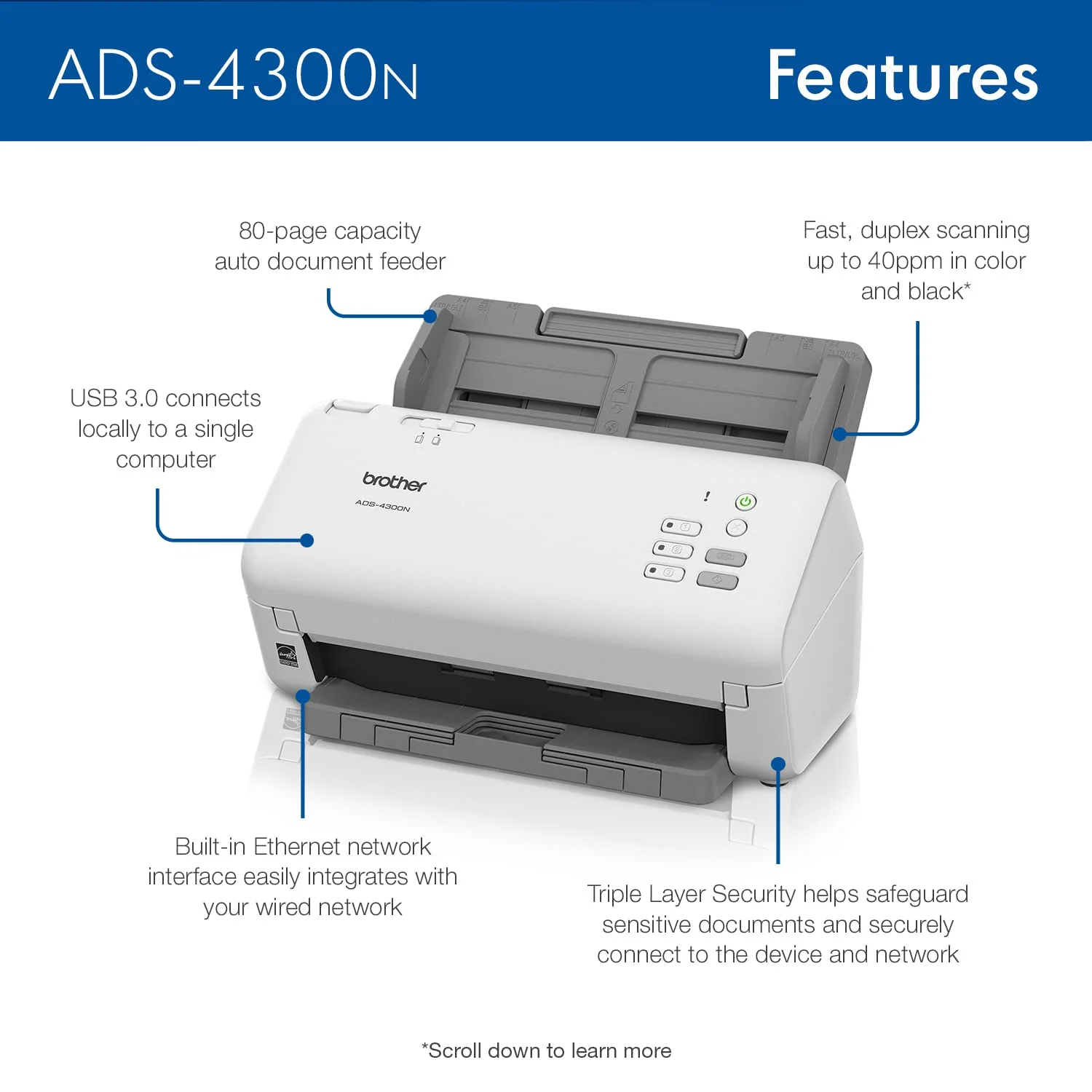
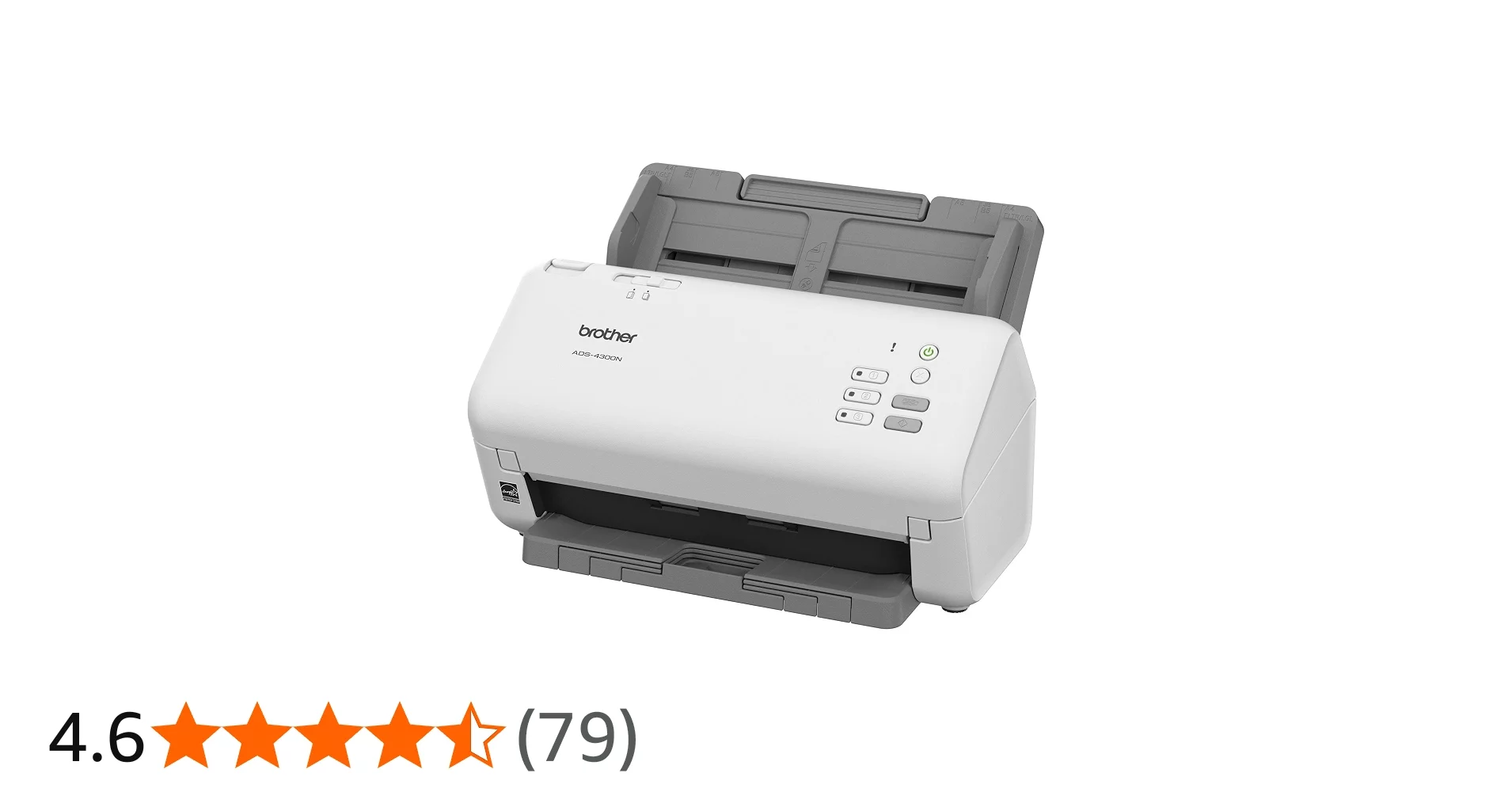
1. Connect the ADS-4300N to your computer using the provided USB cable.
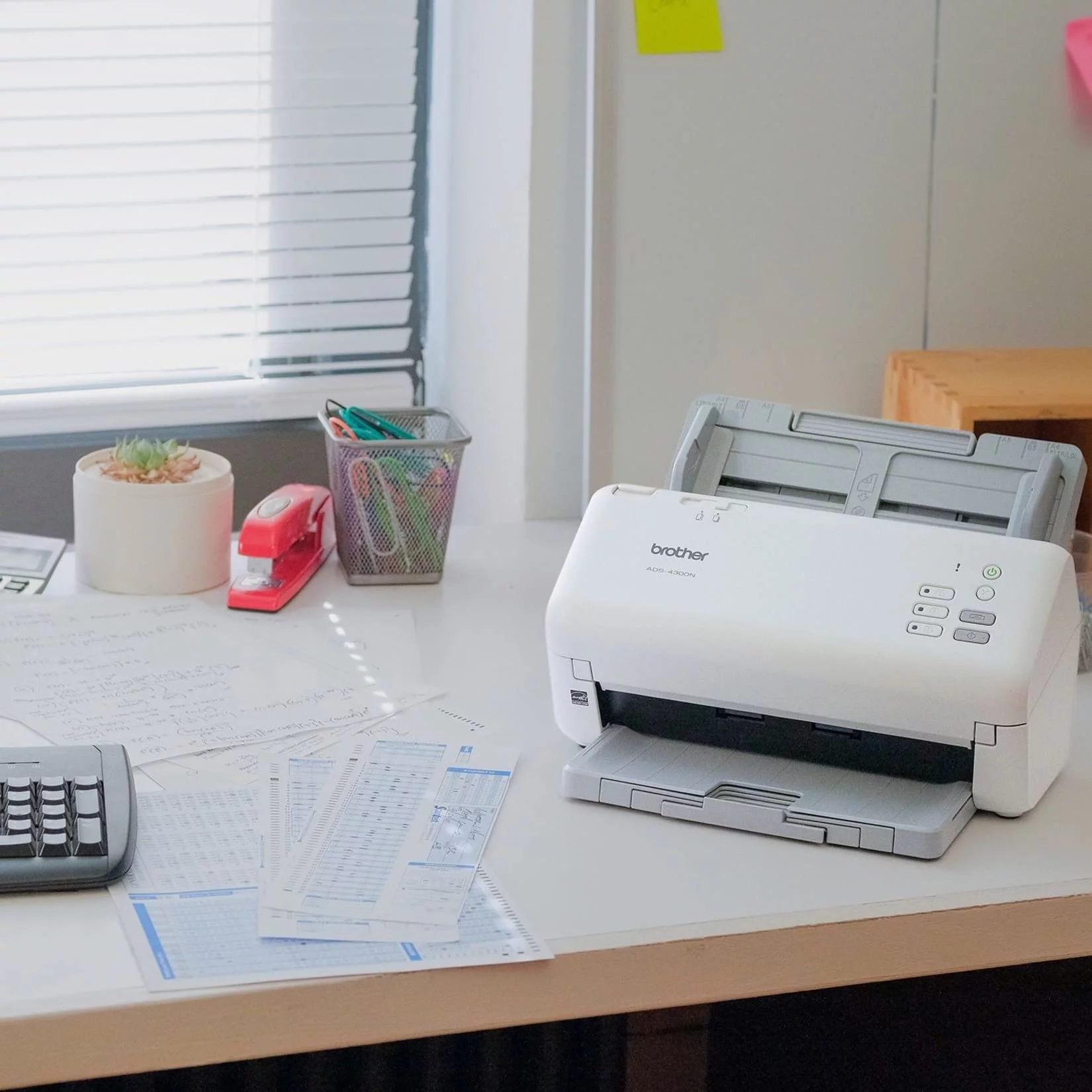
2. Insert your documents into the ADF, making sure they are aligned properly.
3. Use the scanning software on your computer to select the desired scan settings (resolution, file format, destination).
4. Press the scan button on the scanner to begin the scanning process.
5. Once scanning is complete, save the digital files to your preferred destination.
6. Regularly clean the scanner glass and ADF to maintain optimal scanning quality.
7. Follow manufacturer guidelines for maintenance and troubleshooting to ensure long-term performance.
Keywords: desktop document scanner, high-speed scanning, document management, efficiency, productivity, digital documents, paperless office.



 Select Date


 Facebook
 Instagram
 Twitter
 Linkedin

 Youtube