Step 1: Fill the ink tanks with the provided ink bottles following the instructions in the manual.
Step 2: Connect the printer to your WiFi network using the setup guide.
Step 3: Load the paper into the input tray and adjust the paper settings on the display panel.
Step 4: Place the document or photo you want to print or scan on the flatbed or document feeder.
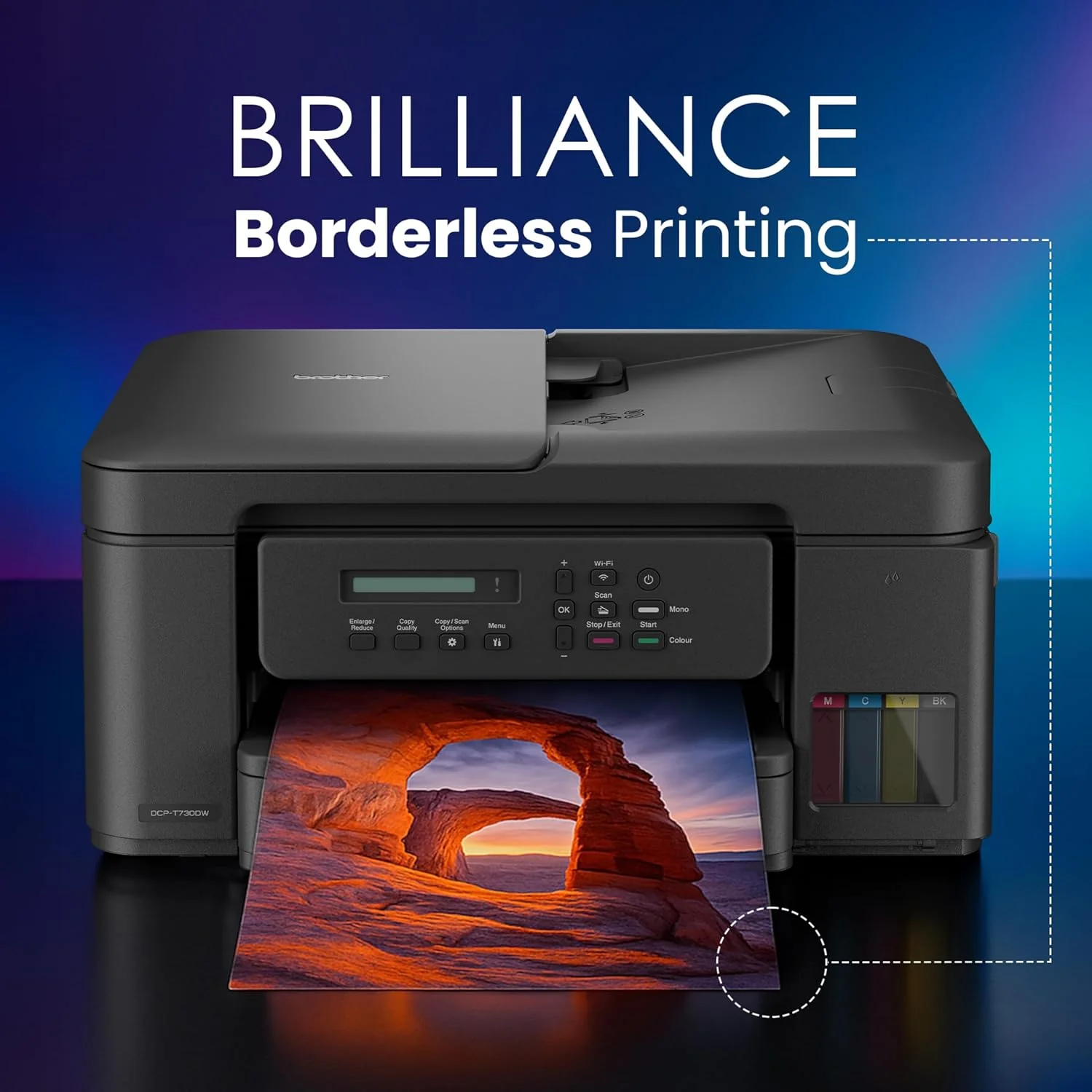
Step 5: Select the desired function (print, scan, or copy) on the control panel and adjust the settings as needed.
Step 6: Press the print button for a high-quality, efficient printing experience.
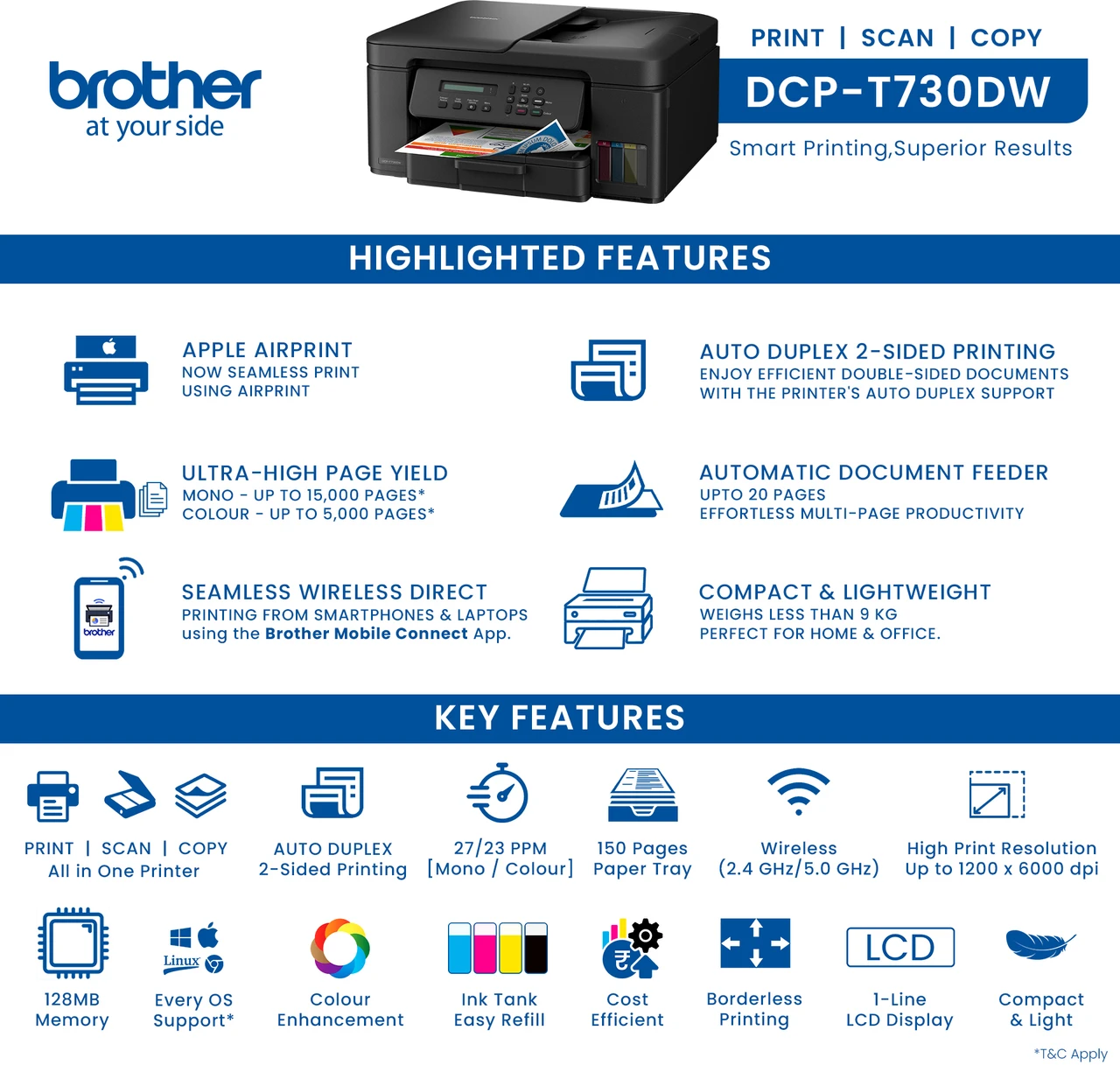
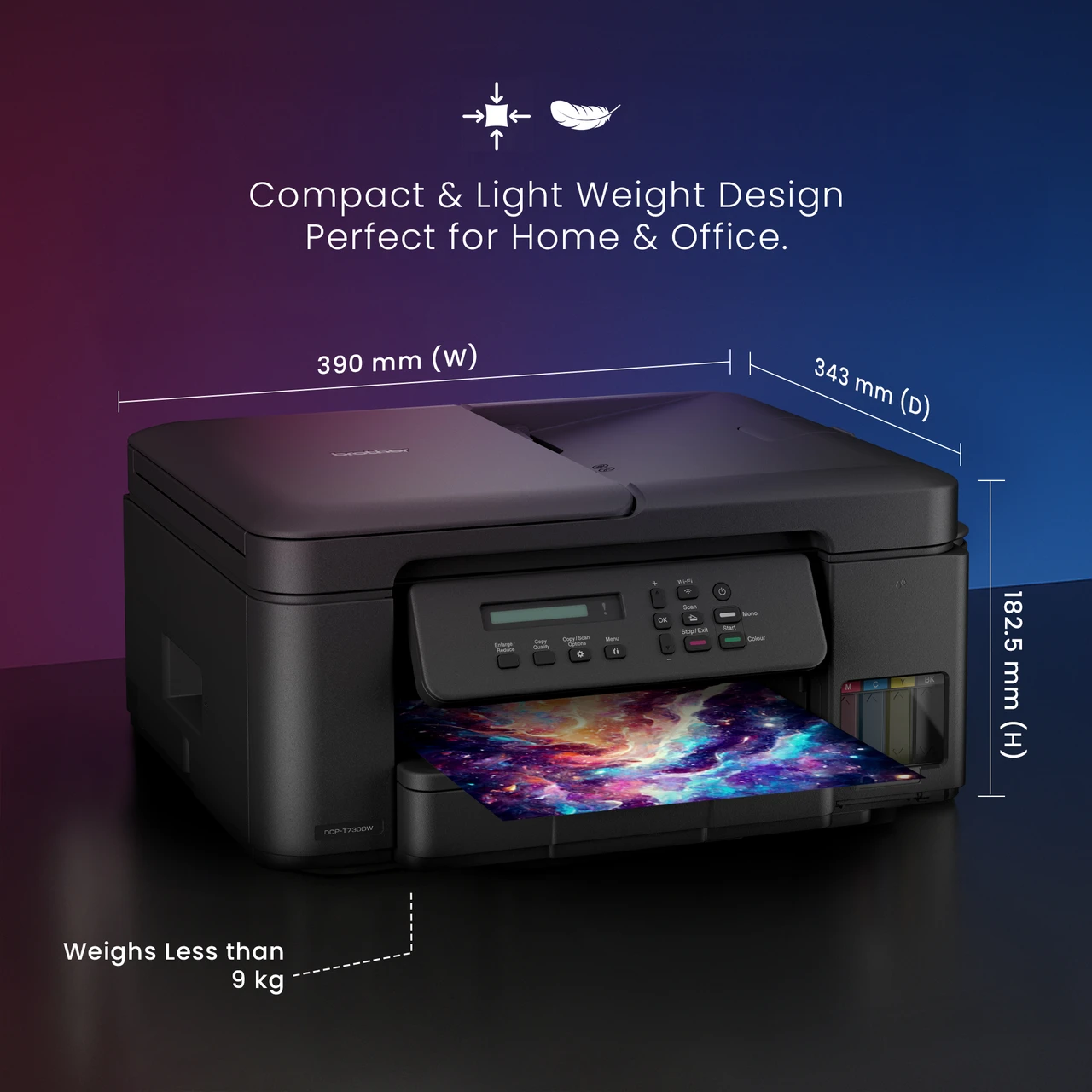
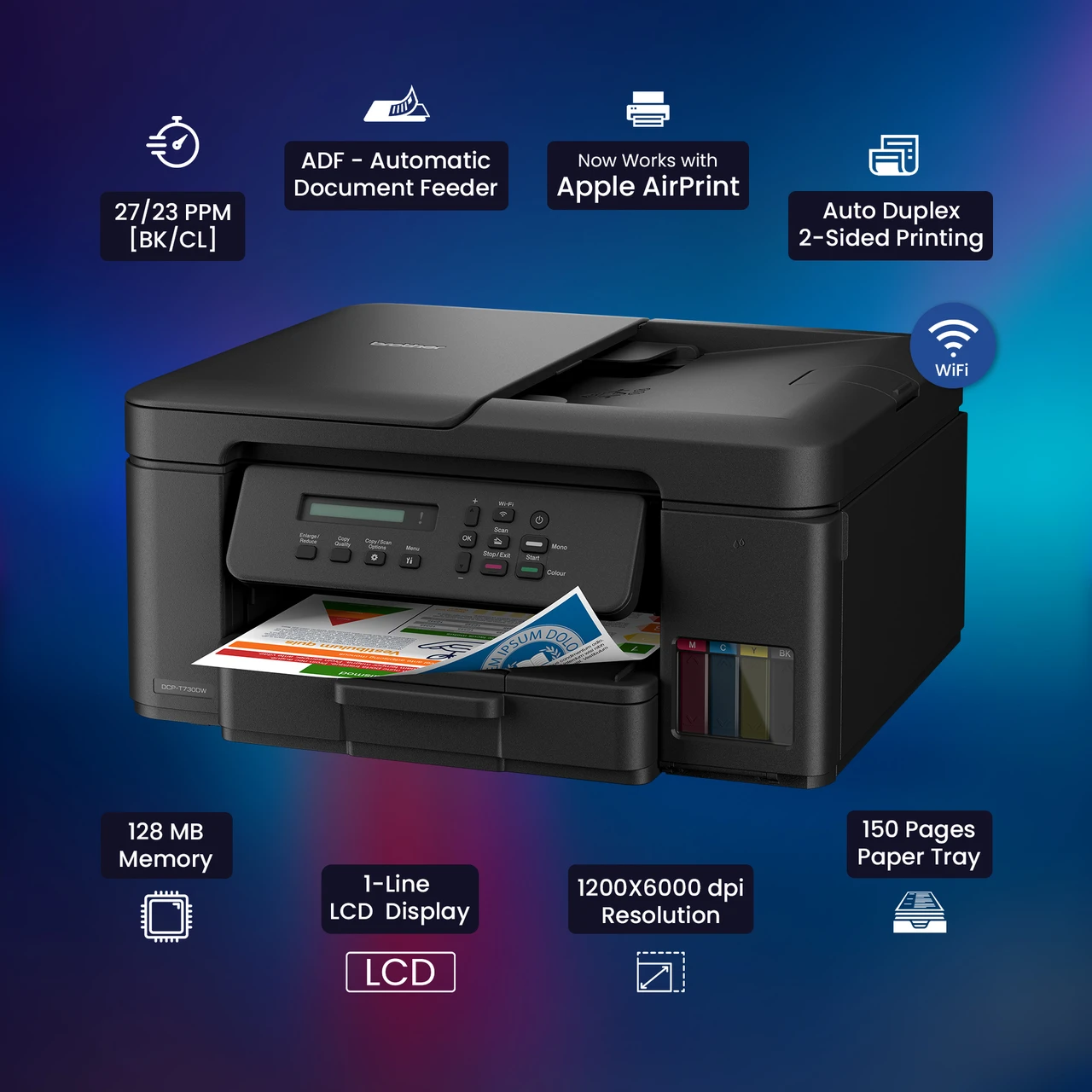
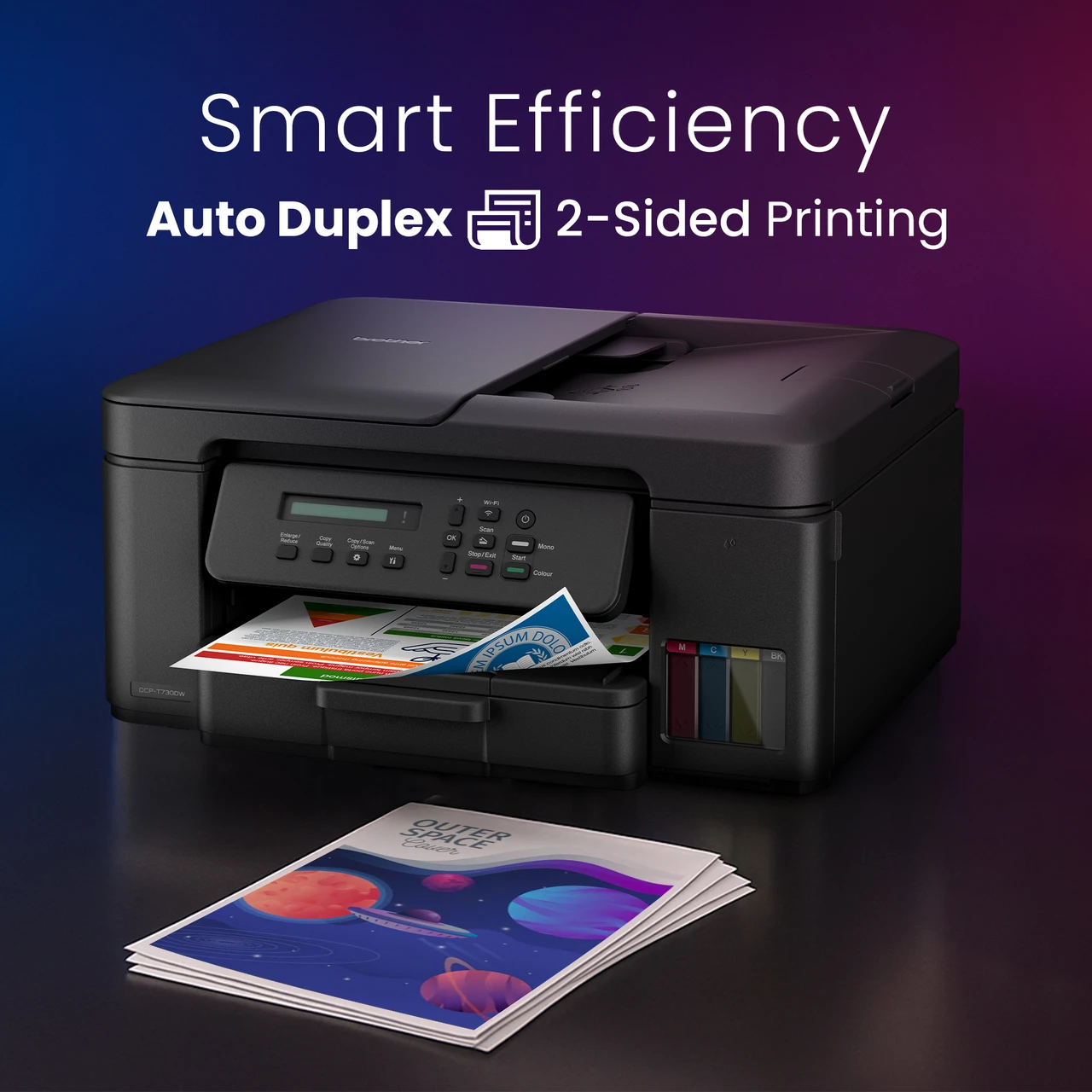
Keywords: Brother DCP-T730DW, Multifunction Ink Tank Printer, WiFi, Automatic Duplex Printing, Refillable Ink Tanks.



 Select Date


 Facebook
 Instagram
 Twitter
 Linkedin

 Youtube