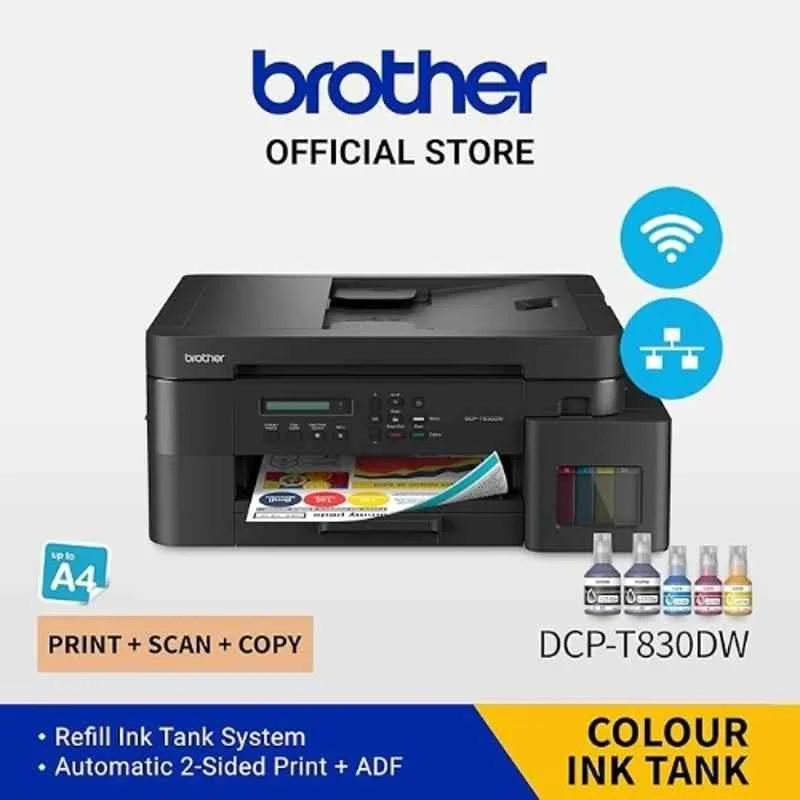
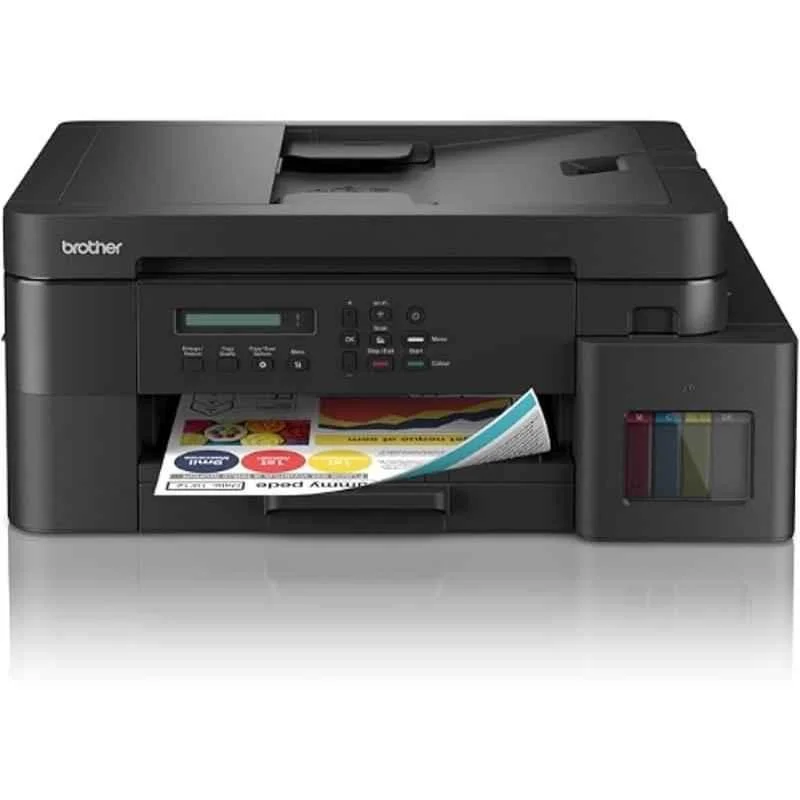
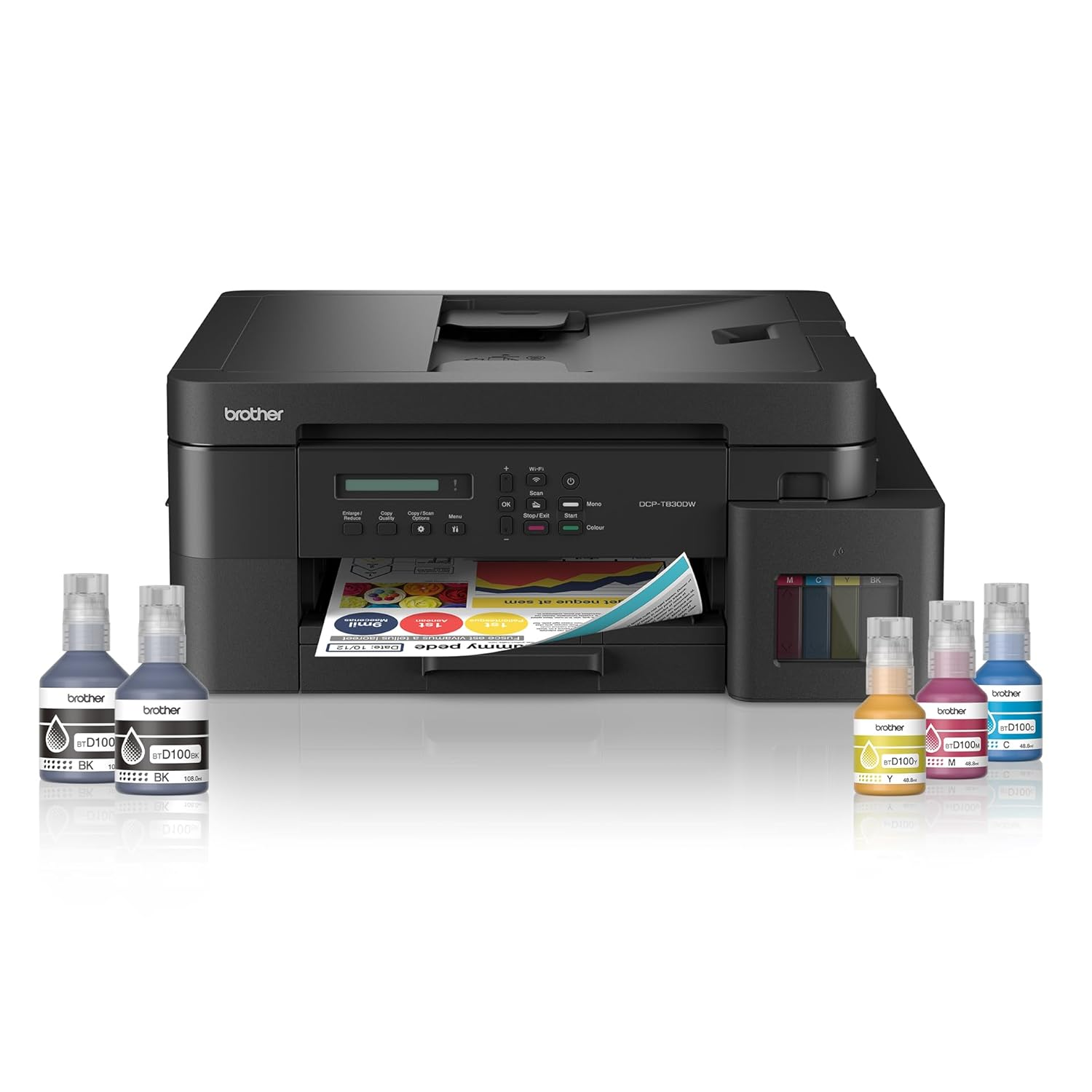
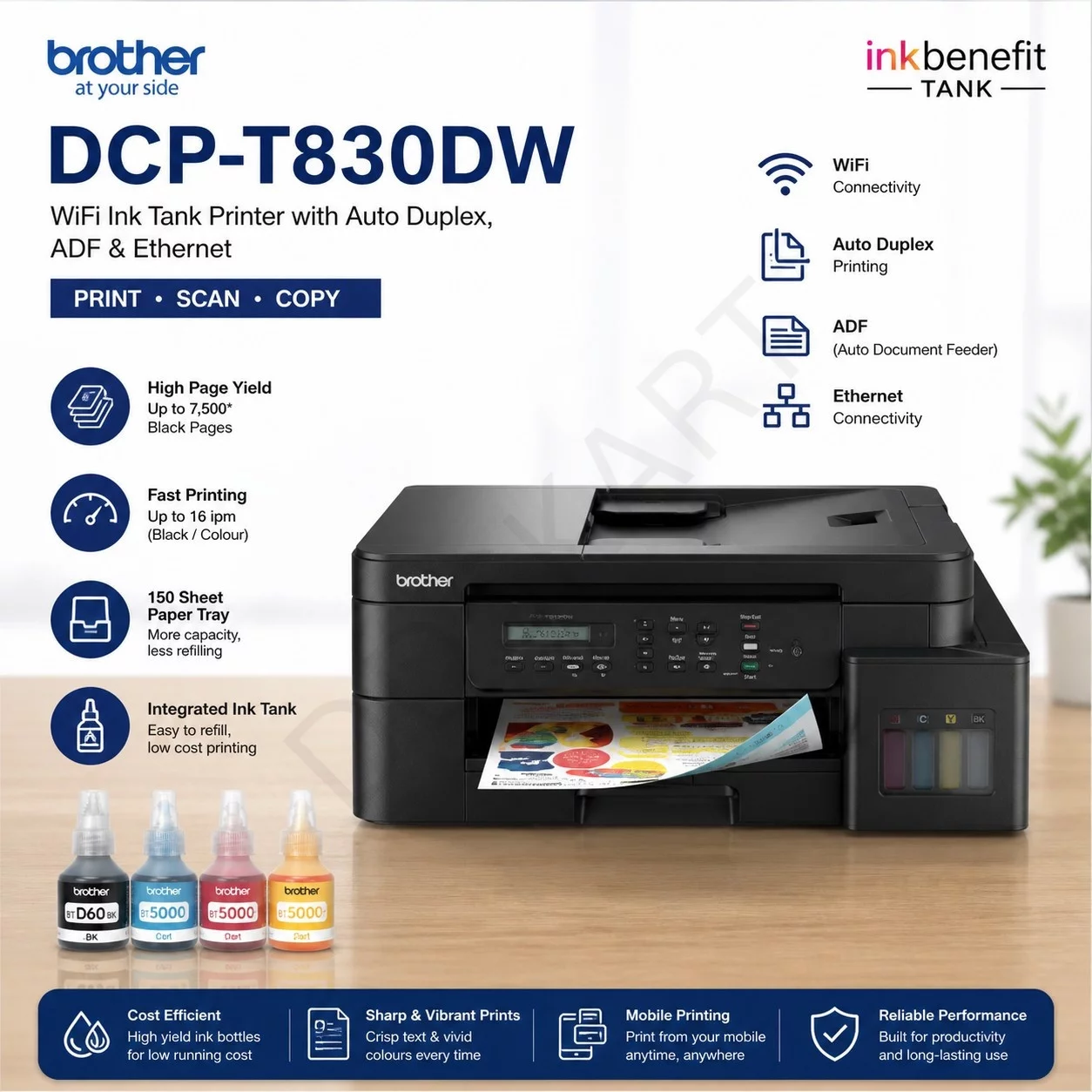
1. Connect the Brother DCP-T830DW Multifunction printer to a power source and turn it on.
2. Load the paper in the input tray and adjust the settings on the control panel.
3. Use the printer's interface to select your desired function, such as printing, scanning, or copying.
4. Follow the on-screen prompts to complete the task, ensuring all settings are accurate.
5. For maintenance, regularly clean the printer components and replace ink cartridges as needed. Keep the printer in a well-ventilated area and follow the manufacturer's guidelines for optimal performance.
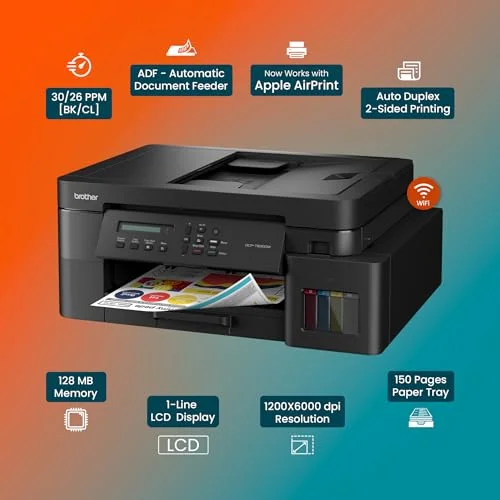
Keywords: Brother DCP-T830DW, Multifunction printer, auto duplex, ADF, Ethernet, printing, scanning, copying, efficiency, productivity



 Select Date


 Facebook
 Instagram
 Twitter
 Linkedin

 Youtube