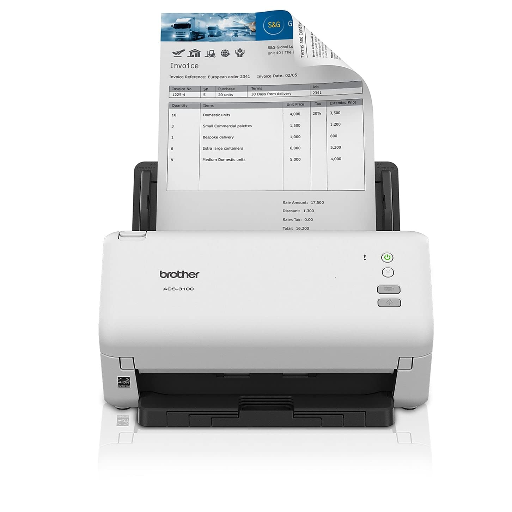
The BROTHER ADS 3100 is a high-speed document scanner ideal for professionals in Jhansi. This scanner enhances efficiency by providing reliable and fast scanning capabilities. It is perfect for those who require quick and accurate digitization of documents.
High-speed scanning for efficiency Reliable document digitization Fast and accurate results Ideal for professionals in Jhansi
Simply connect the BROTHER ADS
to your computer and start scanning your documents efficiently.
 Select Date


 Facebook
 Instagram
 Twitter
 Linkedin

 08:00 AM - 08:30 AM, Thursday, Nov 24, 2024
 Indian Standard Time
 Shahanab