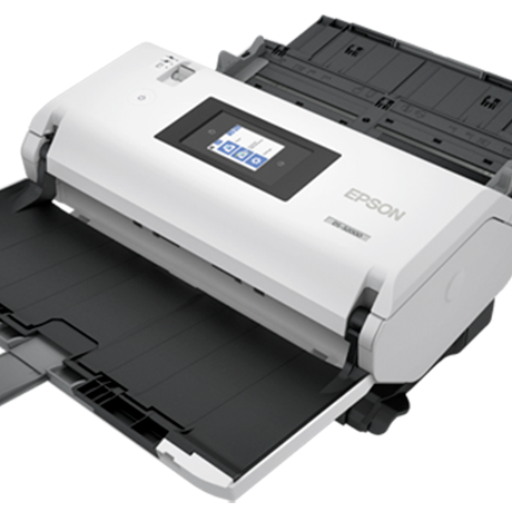
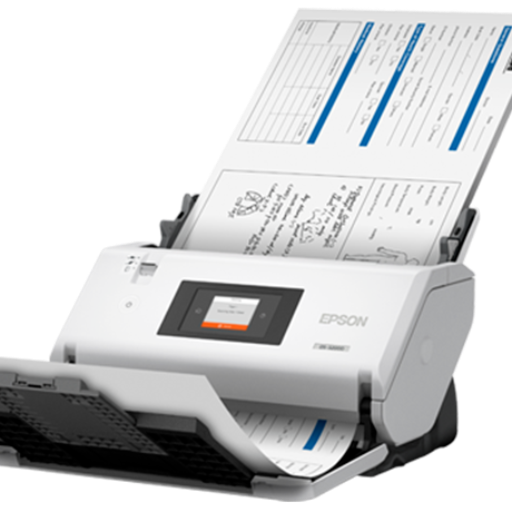
EPSON SCANNER WorkForce DS-32000

₹ 255999 7% off
₹ 273999

Item out of stock

The EPSON SCANNER WorkForce DS-32000 is a powerful document scanner that delivers exceptional performance for businesses of all sizes. With its fast scanning speeds, high-capacity sheet feeder, and advanced imaging technology, this scanner is perfect for organizations looking to streamline their document management processes. Whether you need to digitize large quantities of paperwork or capture high-quality images, the DS-32000 is up to the task. With its versatile connectivity options and robust software suite, you can easily integrate this scanner into your existing workflow and enhance your productivity.

-Scan resolution of 1200 dpi

-Scan speeds of up to 90 ppm^/180 ipm^ (Simplex/Duplex)

-Daily scan volume of 40,000 pages per day

-Automatic Document Feeder with a capacity of 120 sheets (A4),

60 sheets (A3)

-Easy-to-use 6.9 cm (2.7") touch screen display

- Rapid scanning speeds of up to 90 ppm/180 ipm
- High-capacity automatic document feeder (ADF) with a 120-sheet capacity
- Advanced paper handling technology for reliable document feeding
- Versatile connectivity options including USB, Ethernet, and wireless
- TWAIN and ISIS drivers for seamless integration with third-party software
- Enhanced image processing features for improved document quality
- Saves time and increases efficiency with rapid scanning speeds
- Reduces manual document handling with the high-capacity ADF
- Improves document quality with advanced imaging technology
- Enhances workflow integration with versatile connectivity options
- Boosts productivity with reliable and user-friendly operation
- Streamlines document management processes for improved organizational efficiency

- A3

1. Connect the EPSON SCANNER WorkForce DS-32000 to your computer using the provided USB, Ethernet, or wireless connection.
2. Load your documents into the high-capacity ADF, making sure to align them properly for accurate scanning.
3. Open the EPSON scanning software on your computer and select your desired scanning settings.
4. Press the scan button on the scanner to begin digitizing your documents.
5. Once scanning is complete, save the scanned files to your preferred destination on your computer.
6. Regularly clean the scanner and ADF to maintain optimal performance. Follow the manufacturer's guidelines for cleaning and maintenance.

Ratings & Reviews