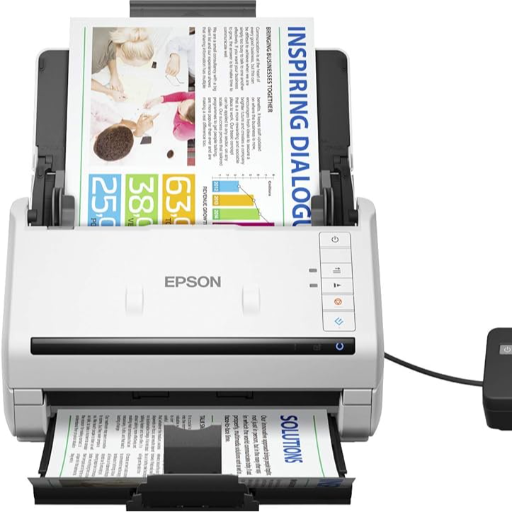
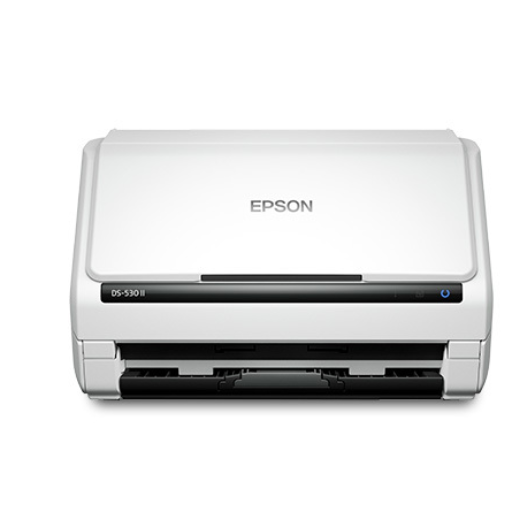
The EPSON WORKFORCE DS 530 II scanner is a reliable solution for streamlining office tasks in Jhansi. This efficient scanner caters to the needs of fast-paced work environments, providing seamless document digitization.
High-speed scanning for quick results Reliable performance for continuous use Compact design saves workspace Easy-to-use interface for hassle-free operation
Simply load your documents and let the EPSON WORKFORCE DS
II scanner handle the rest. Enjoy efficient scanning with just a few clicks.
 Select Date



 Facebook
 Instagram
 Twitter
 Linkedin

 08:00 AM - 08:30 AM, Thursday, Nov 24, 2024
 Indian Standard Time
 Shahanab