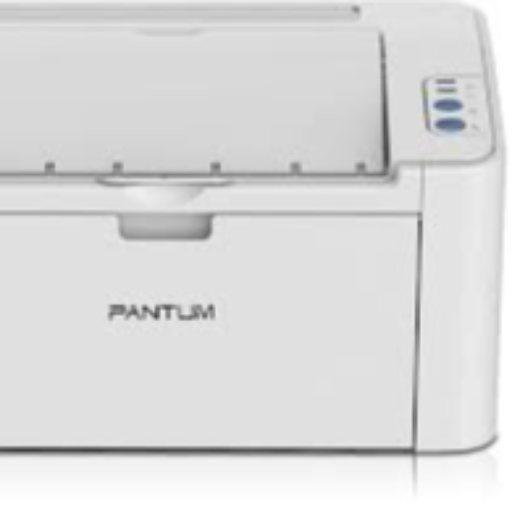
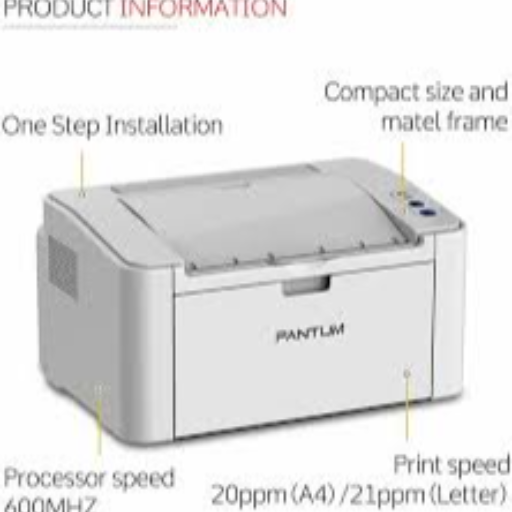
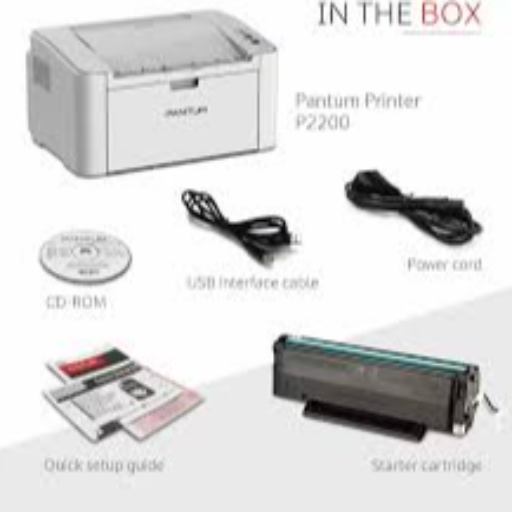
The PANTUM 2210 is the ideal printing solution for small businesses and home offices in Jhansi. This efficient monochrome laser printer produces high-quality documents at a rapid pace, saving time and costs for users.
Fast printing speed for efficiency High-quality monochrome printing Cost-effective printing solution Compact design for space-saving
Simply connect the PANTUM
to your device and start printing professional documents hassle-free.

 Select Date



 Facebook
 Instagram
 Twitter
 Linkedin

 08:00 AM - 08:30 AM, Thursday, Nov 24, 2024
 Indian Standard Time
 Shahanab