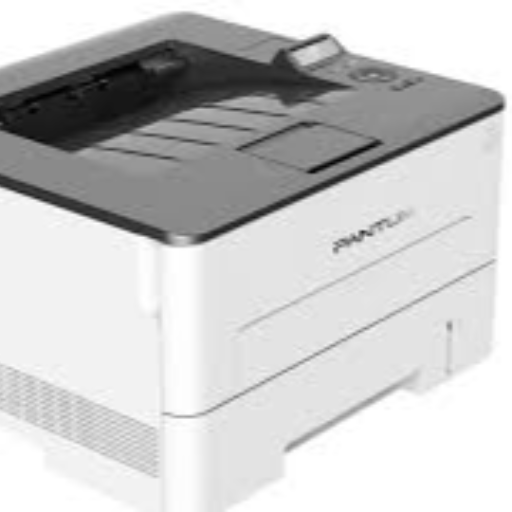
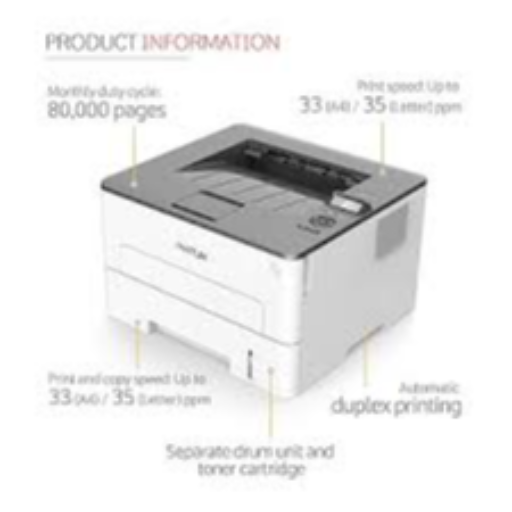
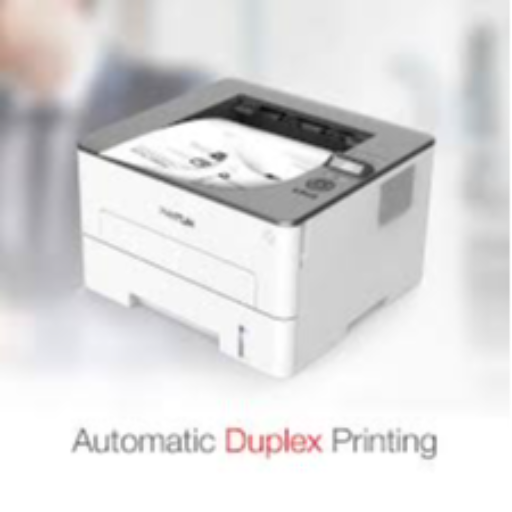
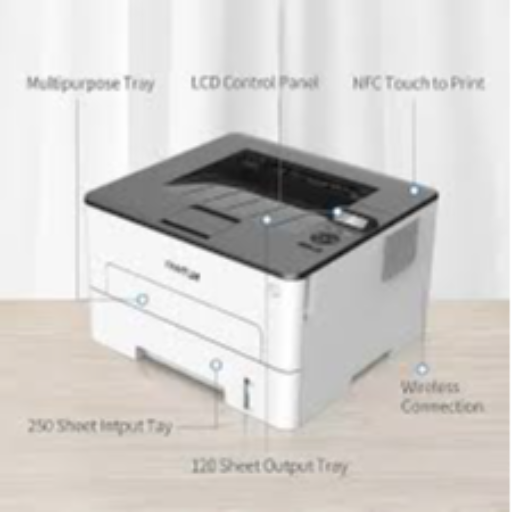
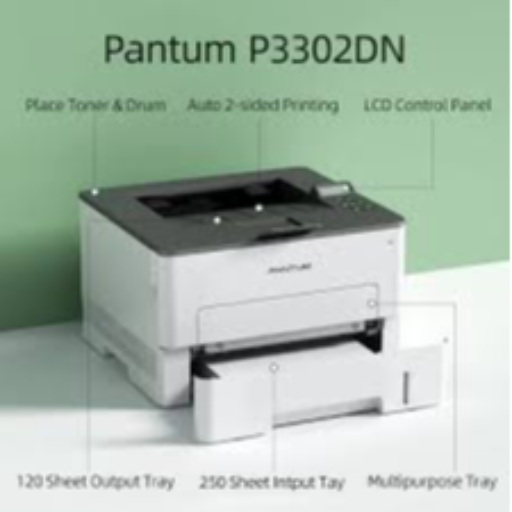
The PANTUM 3302DN laser printer is designed for those in Jhansi seeking efficient printing solutions. This printer is perfect for home offices or small businesses in the Jhansi area, offering reliable and fast printing capabilities.
Fast and reliable printing Ideal for home offices Suitable for small businesses Efficient and quality prints
Simply connect and start printing with ease using the PANTUM
DN laser printer.
 Select Date



 Facebook
 Instagram
 Twitter
 Linkedin

 08:00 AM - 08:30 AM, Thursday, Nov 24, 2024
 Indian Standard Time
 Shahanab