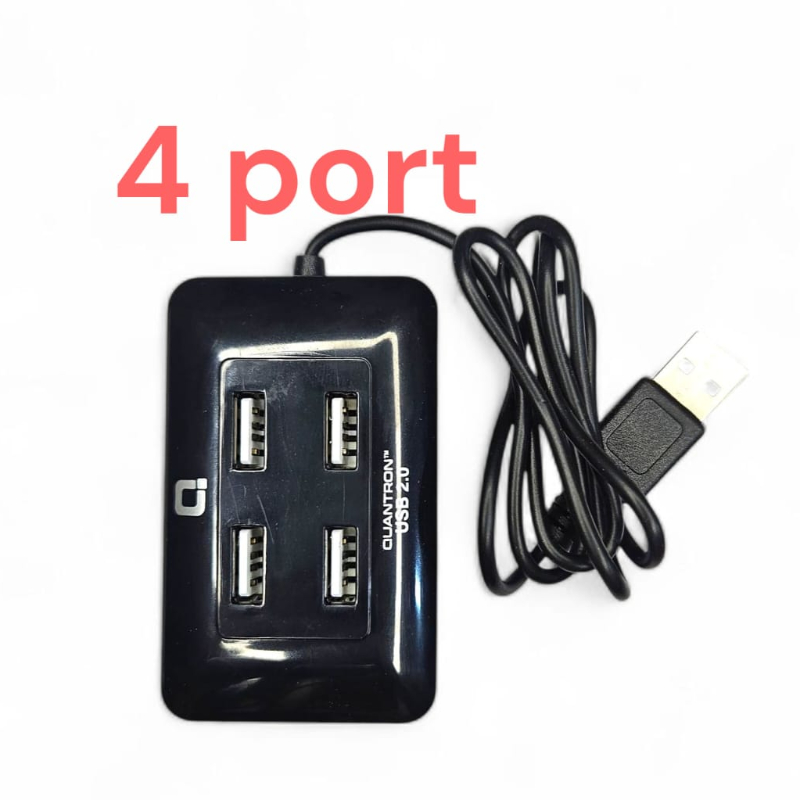
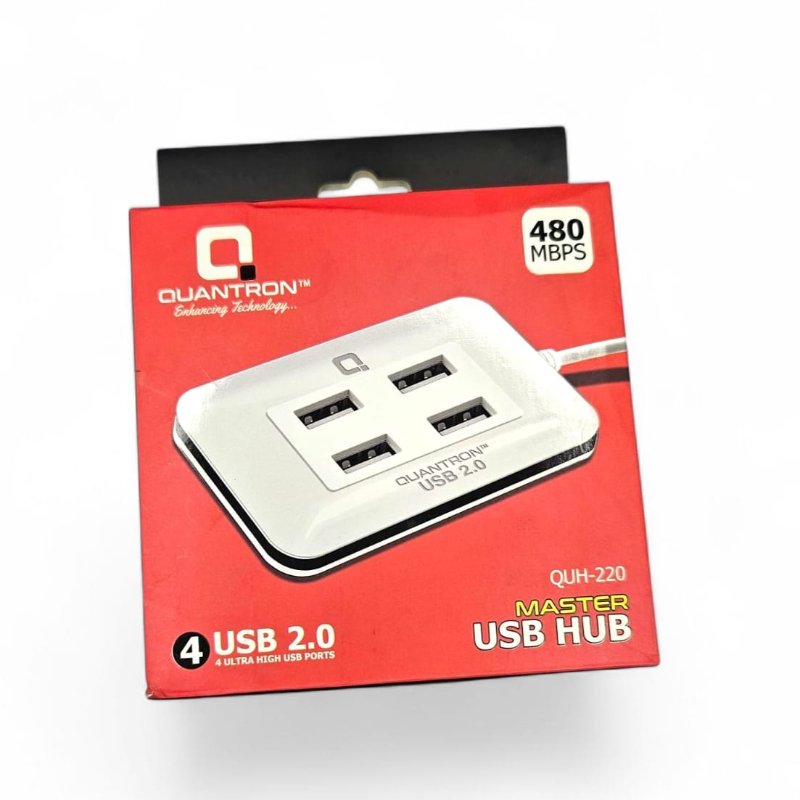
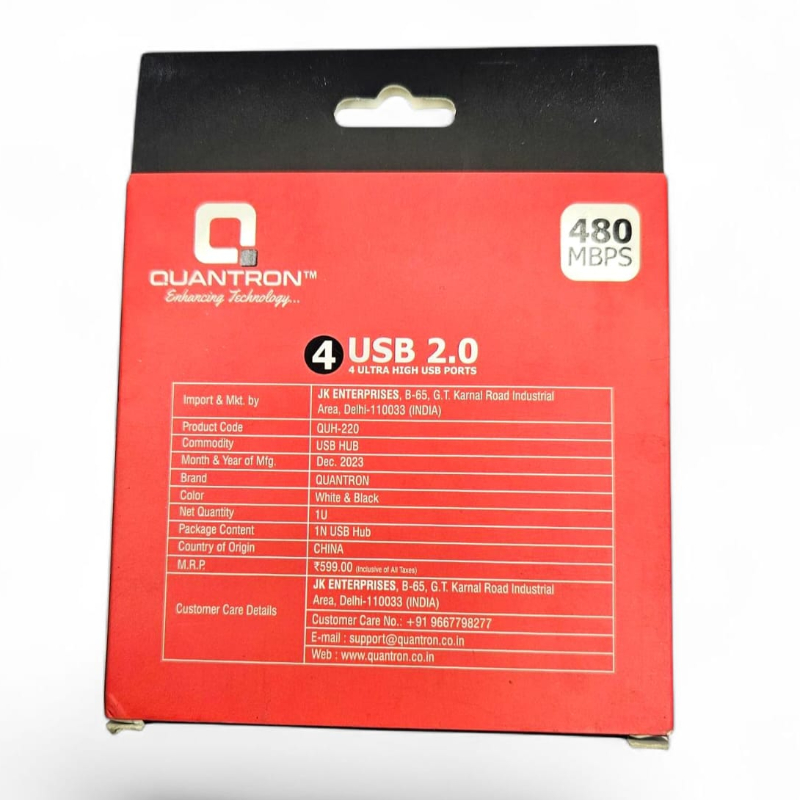
1. Plug the QUH 220 USB Hub into an available USB port on your computer or laptop.
2. Connect your devices to the hub using the additional USB ports.
3. The hub is ready to use instantly, with no drivers or software installation required.
4. For optimal performance, avoid overloading the hub with high-power devices.
5. To disconnect devices, safely remove them from the hub to prevent data loss or damage.
6. Enjoy the convenience of expanded connectivity with the QUH 220 USB Hub.
Keywords: USB hub, connectivity, data transfer, portable, plug-and-play, compatibility.
 Select Date



 Facebook
 Instagram
 Twitter
 Linkedin

 08:00 AM - 08:30 AM, Thursday, Nov 24, 2024
 Indian Standard Time
 Shahanab