1. Set up the printer following the user manual instructions.
2. Install the printer drivers on your computer or mobile device.
3. Load the appropriate paper and ink cartridges.
4. Connect to the printer wirelessly or via USB.
5. Select the desired settings and start printing.
6. Regularly clean the printer heads and maintain the ink levels for optimal performance.
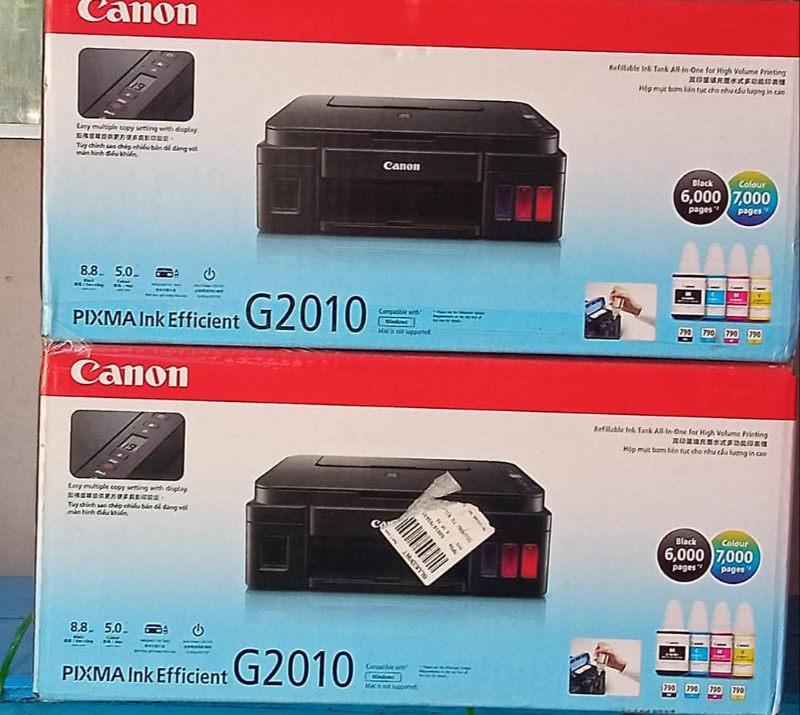
Keywords: Color printer, G210, advanced color technology, wireless connectivity, compact design, vibrant prints, fast printing.