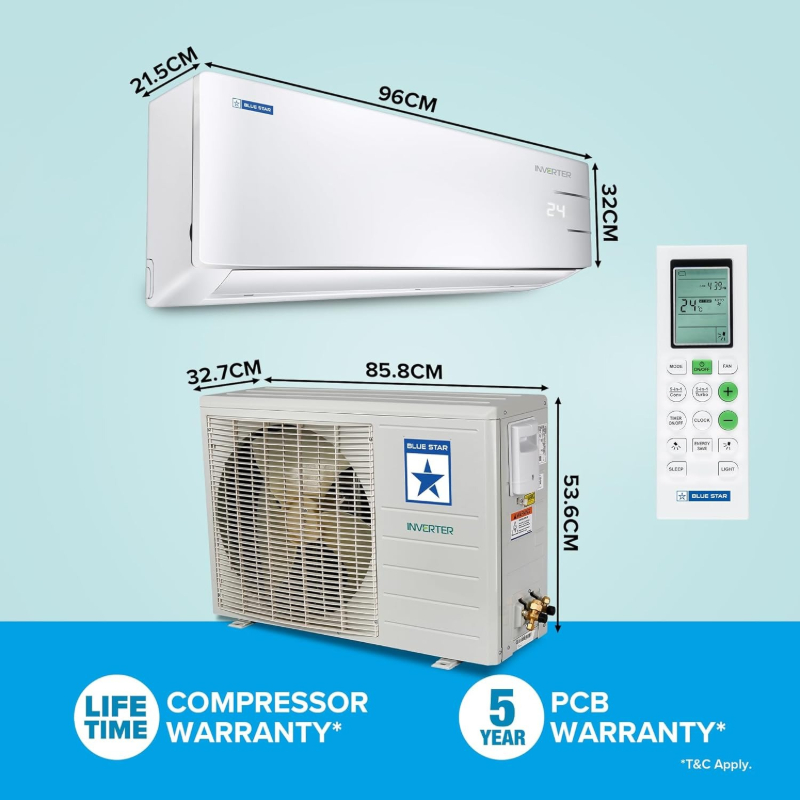
1. Set up the AC unit at a suitable location with proper ventilation.
2. Download the Blue Star AC app on your smartphone and follow the instructions to connect the AC to your Wi-Fi network.
3. Use the app to set temperature preferences, control the AC remotely, and schedule cooling timings.
4. Regularly clean the filters and maintain the AC for optimal performance.
5. Follow safety precautions and consult the user manual for troubleshooting tips and maintenance guidelines.
Keywords: Blue Star AC, Smart Inverter Split AC, Wi-Fi connectivity, energy-efficient cooling, remote control AC.


 Facebook
 Instagram
 Twitter
 Linkedin



 Select Date
