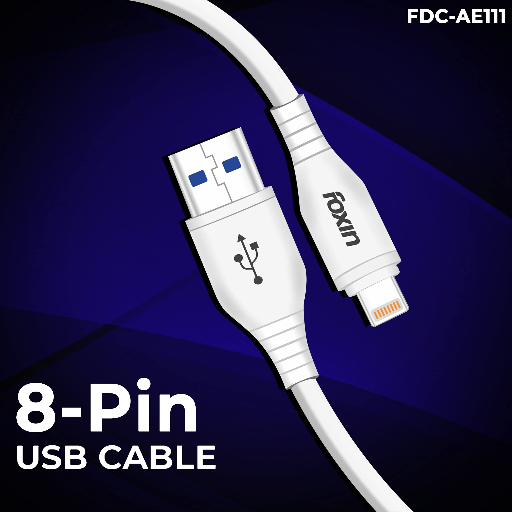
- Connect one end of the cable to your USB port and the other end to your 8 Pin compatible device.
- For data transfer, ensure both devices are recognized and follow the prompts on your screen.
- For charging, plug the cable into a power source and your device to start charging.
- Avoid bending or twisting the cable excessively to prevent damage.
- Store the cable in a safe place when not in use to prolong its lifespan.
Keywords: FOXIN USB to 8 Pin Cable AE-111, USB cable, charging cable, data transfer, connectivity.